Image Editor
Add beautiful hand-drawn charts directly to your images. Perfect for presentations, social media, and infographics.
No signup required • Free forever
Enhance Your Images with Charts
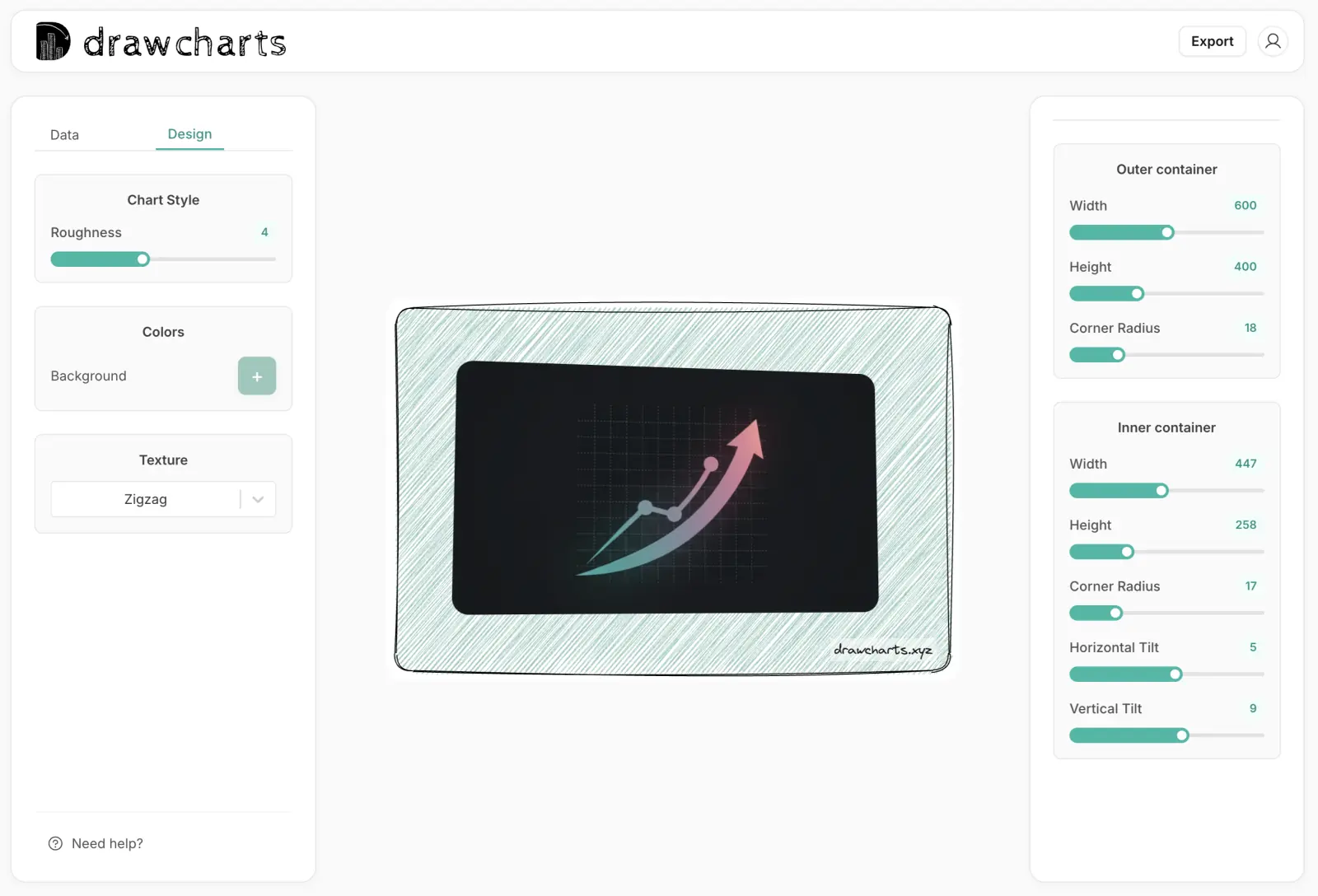
Transform ordinary images into data-rich visuals by overlaying hand-drawn charts. Whether you're creating social media content, presentations, or marketing materials, our image editor makes it easy.
Upload any image and add sketchy bar charts, pie charts, or line graphs with just a few clicks.
See it in Action
Frequently Asked Questions
Everything you need to know about drawcharts. Can't find the answer you're looking for? Reach out to our team .
Yes! drawcharts offers a generous free tier that lets you create and export unlimited basic charts. No credit card required, no hidden fees. For advanced features like custom watermarks and premium templates, we offer affordable Pro plans starting at €9.99/year.
Not at all! drawcharts is designed for everyone, regardless of design experience. Simply input your data, choose from our pre-designed templates, and watch as your information transforms into beautiful hand-drawn style visualizations automatically.
You can export your charts in three popular formats: PNG (perfect for presentations and web), JPEG (great for social media and print), and SVG (ideal for scalable graphics and web development). All exports are high-resolution and print-ready.
While Excel and Google Sheets create standard, corporate-looking charts, drawcharts specializes in hand-drawn, sketch-style visualizations that are proven to be 3x more engaging. Our charts add personality and uniqueness to your data, making it more memorable and impactful.
Absolutely! Both our free and Pro plans allow commercial use. You can use drawcharts for client presentations, marketing materials, reports, social media content, and any other business purposes. With Pro plans, you can even add custom watermarks.
Yes! Both Free and Pro users gets email support, with Pro users getting priority email support with responses typically within 24 hours. We're here to help you succeed with your data visualization needs.
Currently, you can easily copy and paste data from Excel or Google Sheets directly into drawcharts. We're working on direct CSV file import for Pro users for other chart types apart from line charts, which will be available soon. This will make it even easier to transform your existing data into beautiful charts.
Your data security is our top priority. We do not collect, store, or share any data. All data is handled locally on your browser.
Drawing a chart is simple: 1) Paste your data (Excel/CSV) into our editor. 2) Select your chart type (Bar, Line, Pie). 3) Our tool automatically generates a beautiful hand-drawn style chart. 4) Download as PNG or SVG.
Yes! DrawCharts is the easiest way to draw charts online. You don't need to be an artist. Our algorithm applies a natural, sketchy style to your clean data, making it look like a professional hand-drawn illustration instantly.
You can create unlimited hand-drawn charts for free using our basic plan. Just visit our app, import your data, and start drawing charts immediately without even creating an account.
Still have questions?
Our friendly team is here to help you get the most out of drawcharts.