Hand-Drawn Diagram Maker
Explain systems and workflows with diagrams that feel approachable and discussion-friendly.
No signup required • Free forever
Where Diagram Pages Add Value
Diagram pages succeed when they clarify how parts connect. They are especially useful in planning documents, onboarding guides, and architecture overviews.
- Process maps: Show sequence, ownership, and handoff points.
- System context: Explain components and interactions at a glance.
- Decision logic: Visualize branching choices and outcomes.
Suggested Workflow
- Define one start state and one outcome.
- Limit node labels to short action phrases.
- Group related steps visually before styling.
- Add one callout per risk, dependency, or assumption.
Avoid These Pitfalls
Do not mix multiple processes in one canvas. If quantitative proof is needed, link supporting visuals from line charts and use venn diagrams when overlap between groups is the message, or table maker outputs.
Diagram Example
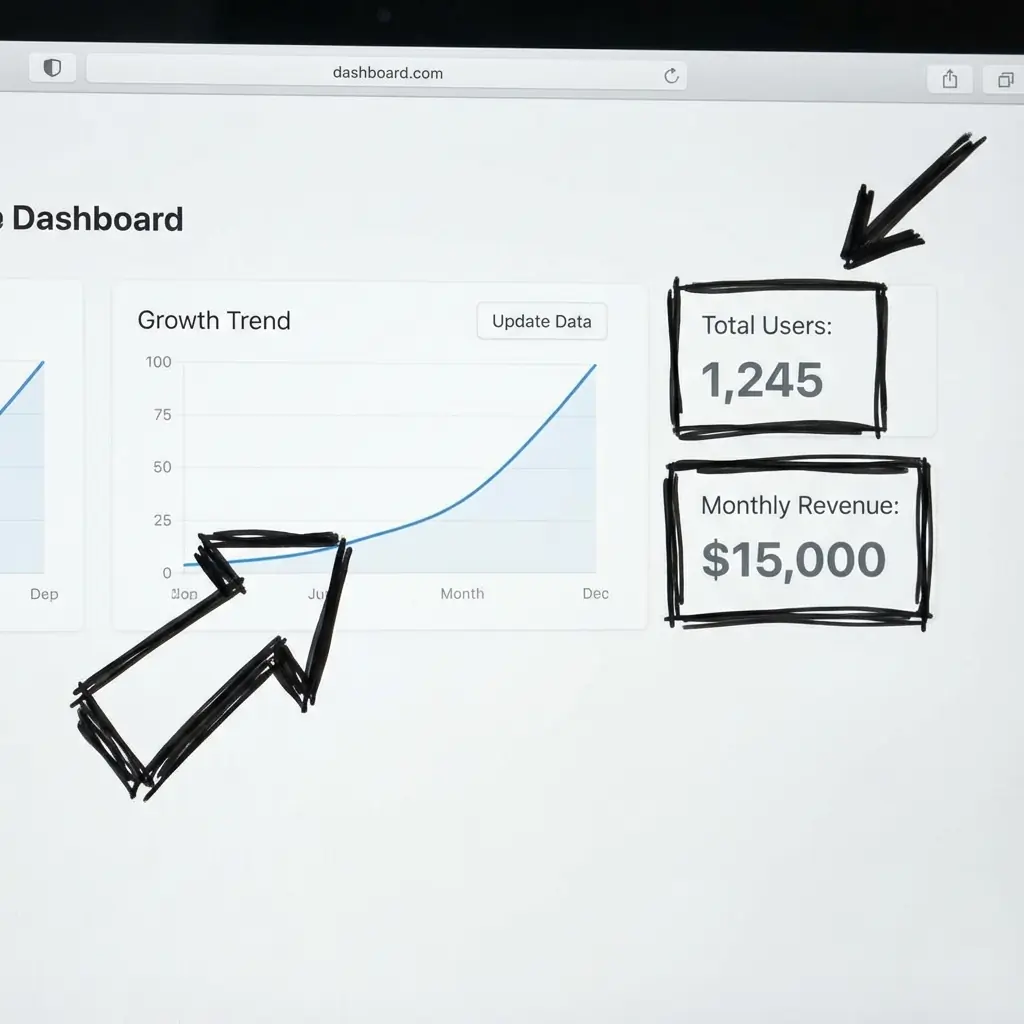
Sketch Visual Language
Looks like a whiteboard draft, not rigid software output.
Flexible Layouts
Flow, hierarchy, and system map structures.
Presentation Ready
Export clean files for docs, slides, and demos.
Diagram Maker FAQs
Clarify processes and systems with diagram structures that remain readable under pressure.
You can create flowcharts, system maps, process diagrams, and annotated concept visuals with a hand-drawn style.
No. Product, marketing, education, and operations teams use diagram pages to explain workflows and decision paths.
Limit each diagram to one process, three to seven major nodes, and a clear directional flow from start to outcome.
Yes. Use this page for process context and pair outputs with bar or line charts when you need quantitative evidence.
Need help with a specific use case?
Share your chart goal and we can suggest the fastest setup.